
How to Search the Horseshoe Bay Court Docket
For a city citation, begin at the official Horseshoe Bay Municipal Online Services form. Keep your citation or court notice close. It is a lookup and payment tool. It is not a full archive of every Horseshoe Bay case. The citation number makes the best first key. It points to one matter and asks for less personal information than the alternatives. No match does not mean the case vanished. A typo can all by itself produce that result. So can a filing delay, a transfer, a restricted record, or simply the wrong court. City cases turn next to the Horseshoe Bay clerk. County criminal and civil matters run through Burnet County's separate Odyssey Public Access. And re:SearchTX may cover records filed in participating Texas courts.
- Read the court and issuing agency on the notice before choosing a portal.
- Open the official city search and choose the least sensitive matching method.
- Compare the citation, status, amount, and displayed setting as separate fields.
- Call the Horseshoe Bay court if the entry is absent, unclear, or stale.
- Use Burnet County Odyssey only when the matter belongs above the city tier.
Six Horseshoe Bay Docket Search Keys
The official Horseshoe Bay citation search gives you six ways in. Citation number with date of birth. Driver license, state, and date of birth. Social Security number and date of birth. Plate and state, or name and date of birth, or a business name. All six are keys to one municipal service, not six court systems, and the state dropdown attaches to a license or plate rather than to court jurisdiction.
| Lookup | Fields | Use |
|---|---|---|
| Citation | Number and DOB | Notice in hand |
| License | License, state, DOB | Number unknown |
| Vehicle | Plate and state | Vehicle search |
| Name | Name and DOB | Exact spelling known |
| Business | Business name | Entity cited |
| SSN | SSN and DOB | Avoid unless directed |
The city's own service shows this form. See the blank Horseshoe Bay search form at its source.
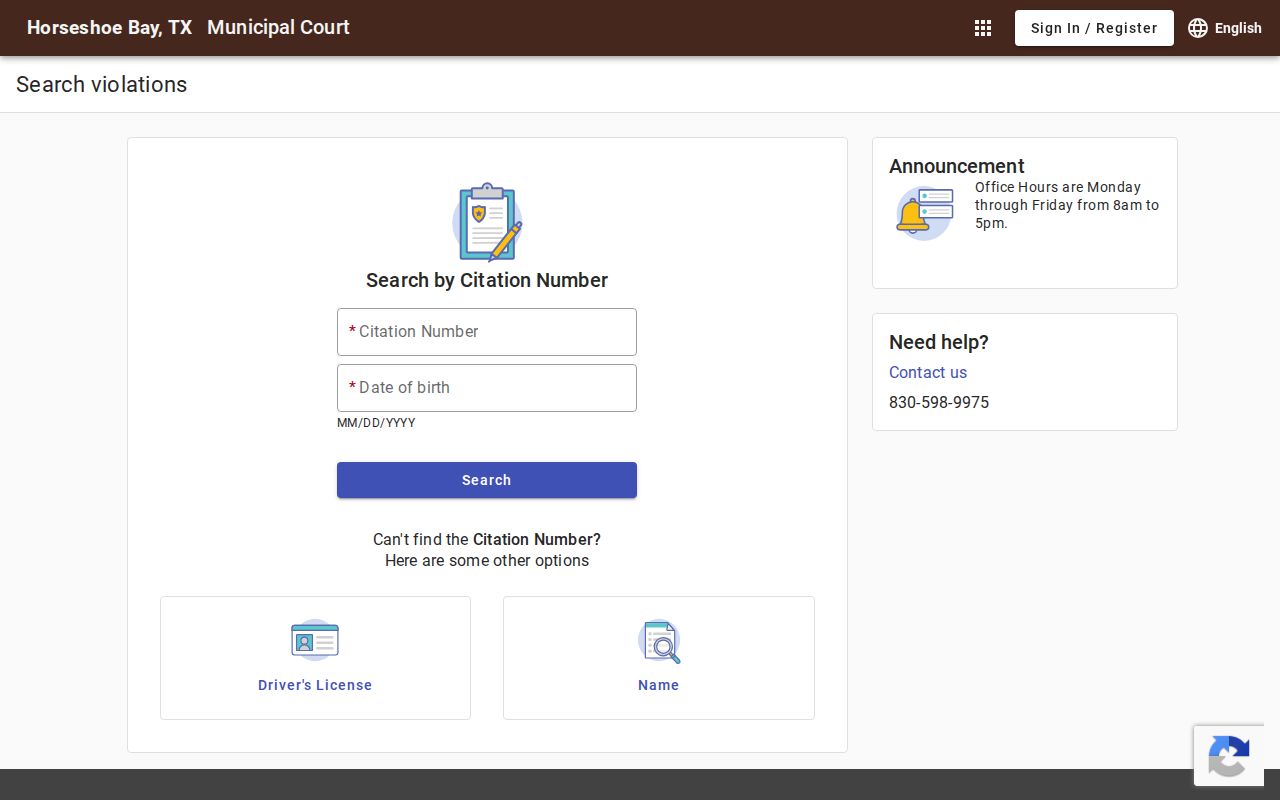
The form confirms several routes, but the citation path usually exposes the least data.
The Horseshoe Bay Municipal Court
Horseshoe Bay Municipal Court hears Class C misdemeanors, traffic and parking cases, and city ordinance violations. It also hears the state-code matters listed within its authority. Everything on its docket is fine-only or city-level. A felony, a higher misdemeanor, a district civil suit, or a family case never becomes municipal. That rule holds even if the matter arose in town. The court sits at the City Center, 9101 W. FM 2147. City pages list weekday hours of 8 a.m. to 5 p.m. and 830-598-9975. Note that the county Magistrate page shows an older or alternate #1 Community Drive address. That listing carries 830-598-9972. Trust the current city page, and call before you go. The official Horseshoe Bay Municipal Court page posts current city service details.
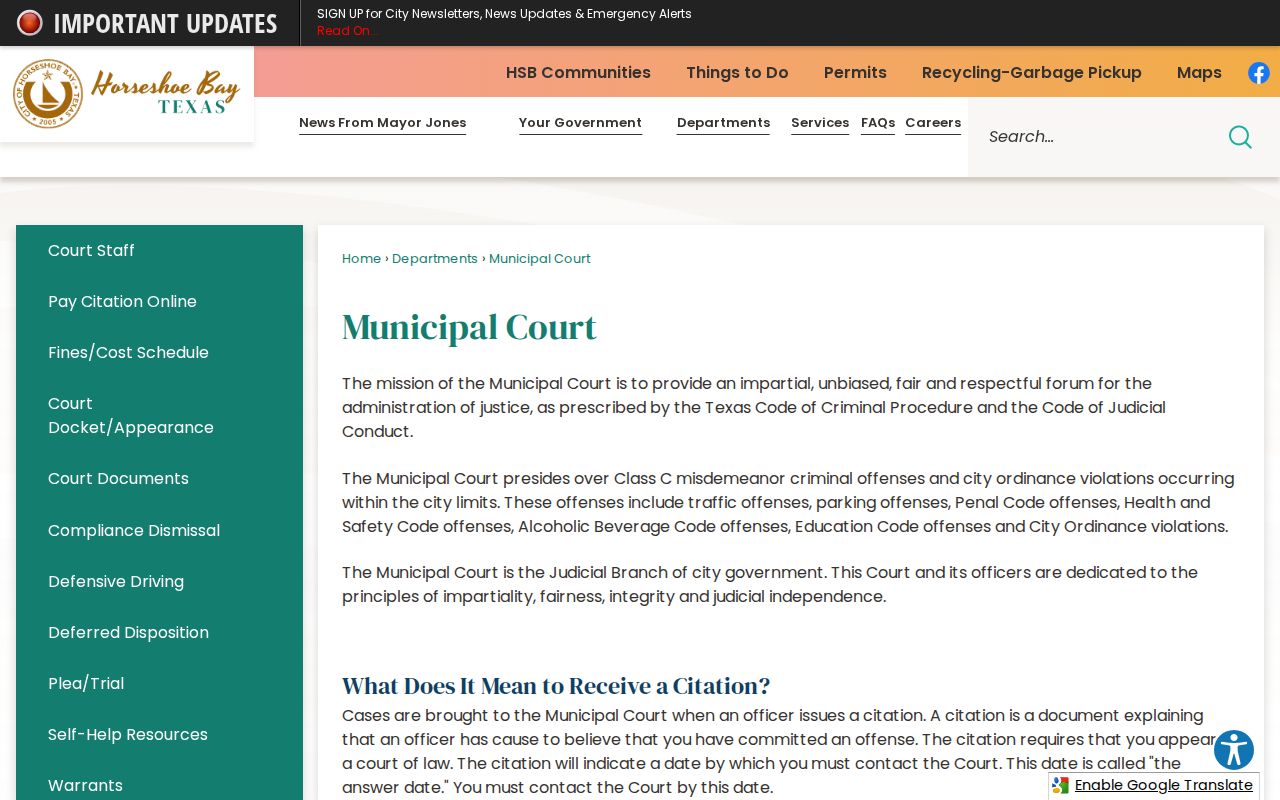
This city page should control over any older directory entry, though a quick call guards against recent change.
Horseshoe Bay Court Docket Roles
The Horseshoe Bay staff page lists Kevin R. Madison as judge, Eddie Arredondo as city prosecutor, and Beth Kuentz as senior accountant and court administrator. Each one touches the docket differently. The judge rules. The prosecutor represents the city. The administrator runs court operations and is the practical contact for a record, form, status, or setting question.
- Judge
- Presides over hearings and makes judicial decisions.
- Prosecutor
- Presents the city's side; this role is not the clerk.
- Court administrator
- Supports the calendar, files, payments, and routine docket access.
Staff can change. Check the official page before addressing a request to one person. Give your citation number, describe the public item you need, and hold back sensitive identifiers unless staff points you to a secure channel.
Horseshoe Bay Court Dates and Settings
The answer date printed on a Horseshoe Bay citation controls your first contact. It is a response deadline, not proof of a trial that day. Reach the court by that date and ask what comes next. A later appearance, pretrial event, compliance review, or trial may then show up in the municipal record. It may also appear in a court notice.
| Answer date | The citation response deadline, not automatically a trial date. |
|---|---|
| Date and time | The event as stated by the court, subject to change. |
| Location | City Center or another place stated in the notice. |
| Judge | The official assigned to preside. |
| Setting type | The purpose, such as appearance, review, pretrial, or trial. |
| Status | A current label, not the same as final disposition. |
If a portal entry and a notice disagree, confirm the date directly with the court. A reset moves a setting; it does not dismiss the charge. And a payment screen is not a full docket history.
Protect Horseshoe Bay Search Data
Every lookup path here carries a privacy risk. Texas Rule of Civil Procedure 21c spells out sensitive data: Social Security and tax numbers, driver-license and passport numbers, birth dates, financial account data, home addresses, and minor names. A docket search field does not make those details safe to share. Keep them out of public emails, posts, and shared files.
Keep identifiers on the official form. Never place an SSN, full birth date, license number, or real docket result in anything you share in public.
Use the least sensitive key that works. Stay on the official municipal domain in your browser. If you need help, give the clerk a citation number first and ask what else is required. The Sign In and Register controls do not mean an account is needed for every public lookup.
Horseshoe Bay Traffic Tickets
A ticket written by a Horseshoe Bay officer runs through Municipal Court. The city portal can pull it up with a citation number and date of birth or another documented key. But check who wrote it. A stop near Horseshoe Bay by a county deputy or a state trooper is different. That ticket can land in a Burnet County Justice Court instead.
The city lays out several routes: payment, compliance dismissal, a safety course, and deferred disposition. Each one carries its own terms, and they are not the same thing. Paying a ticket counts as a plea. Requesting a course or deferred disposition is a different act with different consequences. So reach the court before the answer date. Ask what applies to your case, and read the current plea form before signing anything. The official Horseshoe Bay Municipal Online Services home shows the payment and portal options. These are the ones the court itself offers.
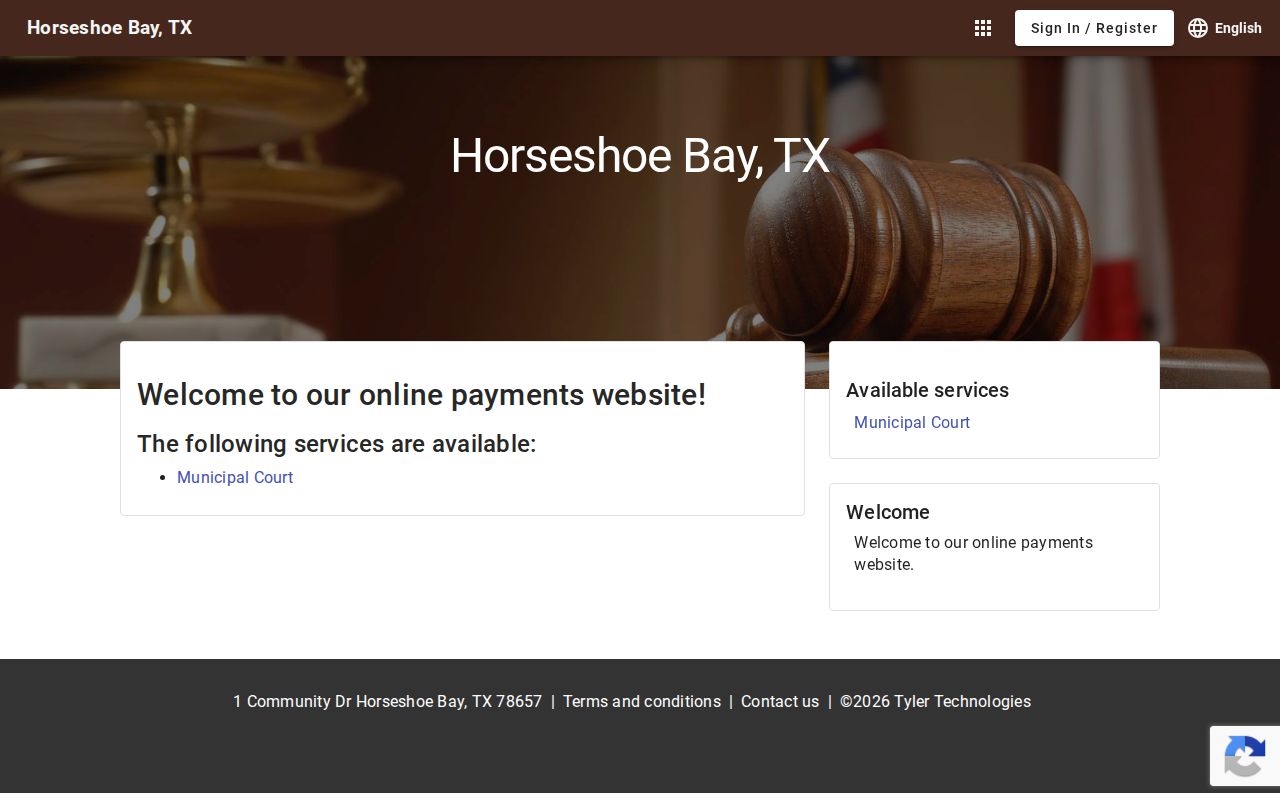
This portal handles city citations only. The Burnet County traffic court records page splits the municipal and Justice Court paths so a ticket lands in the right search.
Horseshoe Bay Court Docket Forms
Horseshoe Bay posts three forms. They are an Application for Payment Plan, a Deferred Disposition Affidavit, and a Plea Form/Waiver of Right to Jury Trial. Each asks the court for something different. The payment-plan form is about how an amount gets paid over time. Deferred disposition asks for a court-managed route. It may end favorably if every term is met. The plea and waiver form deals with your rights and the plea you enter.
Always download a fresh copy from the city. Read the terms, sign where directed, and confirm the court received it. One caution matters here. Filing a form does not mean a judge approved the request or cleared a setting. Only the docket or a court response shows what happened next. The official Horseshoe Bay Court Documents page holds the current versions.
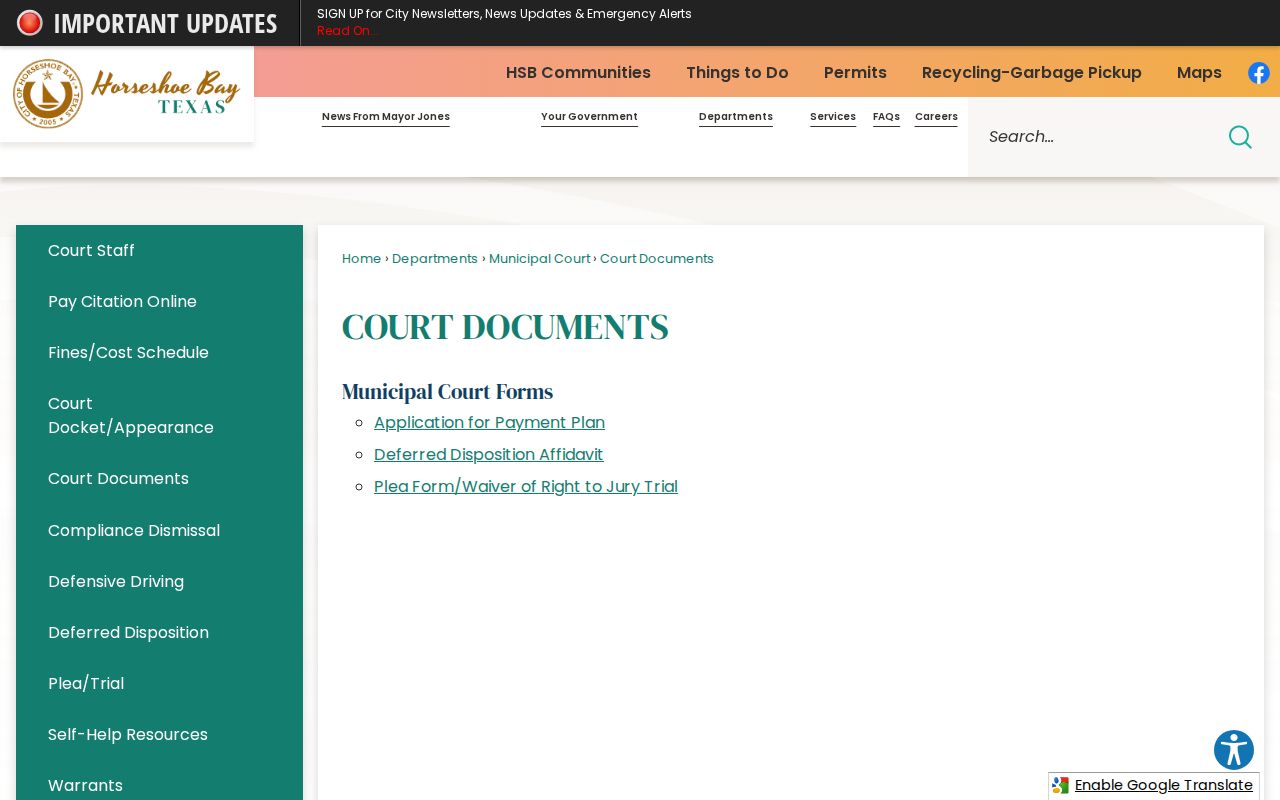
One list, three different requests. Payment, deferred disposition, and a plea are not interchangeable docket events.
Where Horseshoe Bay Cases End Up
Not every Horseshoe Bay case stays in Horseshoe Bay. The Municipal Court keeps city ordinance violations, parking, traffic, and eligible Class C matters. Everything bigger goes elsewhere. Burnet County misdemeanors may sit with the County Clerk and County Court at Law. Certain civil cases land there too. Felonies and district civil suits generally run through the District Clerk. Family law cases follow the same route, into the 33rd or 424th Judicial District Court.
Docket flow: Horseshoe Bay Municipal Court › Burnet County Courts › District Court
Treat this as a routing map, not an appeal chart. Search the court that owns the record. Burnet County Odyssey is the main county access point. The District or County Clerk can confirm a filing when the portal comes up short. The Burnet County court docket overview walks through that layer in more depth.
Horseshoe Bay Docket Activity
The Texas Office of Court Administration's 2025 municipal report lists a 2024 population of 5,218 for Horseshoe Bay. On the criminal side, the docket table shows 488 cases at the start, 51 reactivated, 351 added, 371 disposed, 52 moved inactive, and 507 at the end. The civil and administrative side added one case and closed with one.
These are activity counts, nothing more. They say nothing about guilt or crime rates. They do not count the people involved. Terms like "reactivated" and "inactive" carry OCA definitions, so read those before drawing a trend. As cases shift between states, a fresh search plus clerk confirmation beats any single snapshot.
Horseshoe Bay Answer Date Choices
With an answer date close, call the court instead of guessing from an online balance. Say the citation is from Horseshoe Bay. Give the number, and ask what response is due. Compliance dismissal can hinge on proof and eligibility. A safety course and deferred disposition follow their own rules. A payment plan sets terms; it does not erase required court action.
- Confirm whether the answer date requires contact or an appearance.
- Ask which option is available for the charge.
- Use the current form and keep proof of submission.
- Check whether a later setting remains on the docket.
If the date has passed, call the administrator right away. A portal balance cannot explain each status change. Only the court can confirm acceptance, approval, or a new setting.
Public Access to Horseshoe Bay Court Records
For basic citation status, the Horseshoe Bay lookup comes first. If an entry is missing, call the court or ask the administrator for the record. Want a formal or certified copy? Say so before you pay, because an online screen is not a clerk-certified record. The counter at City Center serves walk-ins. Confirm the current address and hours by phone. County-level matters go through Odyssey. Add the responsible County or District Clerk, and re:SearchTX where appropriate.
Texas law also splits case files from judicial administrative records and ordinary city agency records. A request for a case document starts with the clerk. It also follows the rules for that file. Rule 12 can govern judicial administrative records. Government Code Chapter 552, the Texas Public Information Act, covers nonjudicial government records. It does not replace the case-file process.
Key Rules:
Texas Rule of Judicial Administration 12 provides a request and appeal process for covered judicial records, subject to exemptions.
Texas Rules of Civil Procedure 21c and 76A address sensitive data and civil sealing.
Texas Public Information Act governs many executive records but is not the general judiciary case-file law.
Some records stay closed. Juvenile, sealed, expunged, and protected material may be unavailable or redacted, and a docket line naming a filing does not guarantee access to its image. Ask the court which portion is public and which custodian supplies it.