
How to Get Court Records
Begin with Burnet County's official Odyssey link for discovery, then use the custodian that holds the file. The District Clerk accepts focused requests for district and assigned County Court at Law records at the counter, by phone, mail, or the office email link. The County Clerk handles its county-court, probate, and related files through its own office. JP and municipal records stay with those courts. re:SearchTX may supply statewide public access where the court is integrated.
For a useful request, name the court, cause or citation number, record type, date range, desired format, and whether certification is needed. Judicial administrative records may use a written Texas Rule of Judicial Administration 12 request. Nonjudicial county administrative material may instead fall under the Texas Public Information Act. Ordinary case files start with the clerk, not a broad open-records demand.
- Identify the court and exact record.
- Check Odyssey or re:SearchTX for public discovery.
- Call, email, mail, or visit the responsible clerk if the item is not online.
- Confirm search, page, certification, and delivery fees.
- Receive a plain, certified, or exemplified copy in the agreed format.
Burnet County Court Record Custodians
The District Clerk describes the office as registrar, recorder, and custodian for proceedings in both district courts and parts of the County Court at Law workload. Its records include felony, civil, family, grand-jury, and some misdemeanor material. It also issues process and prepares appellate records.
The official District Clerk page is preserved in the research capture below.
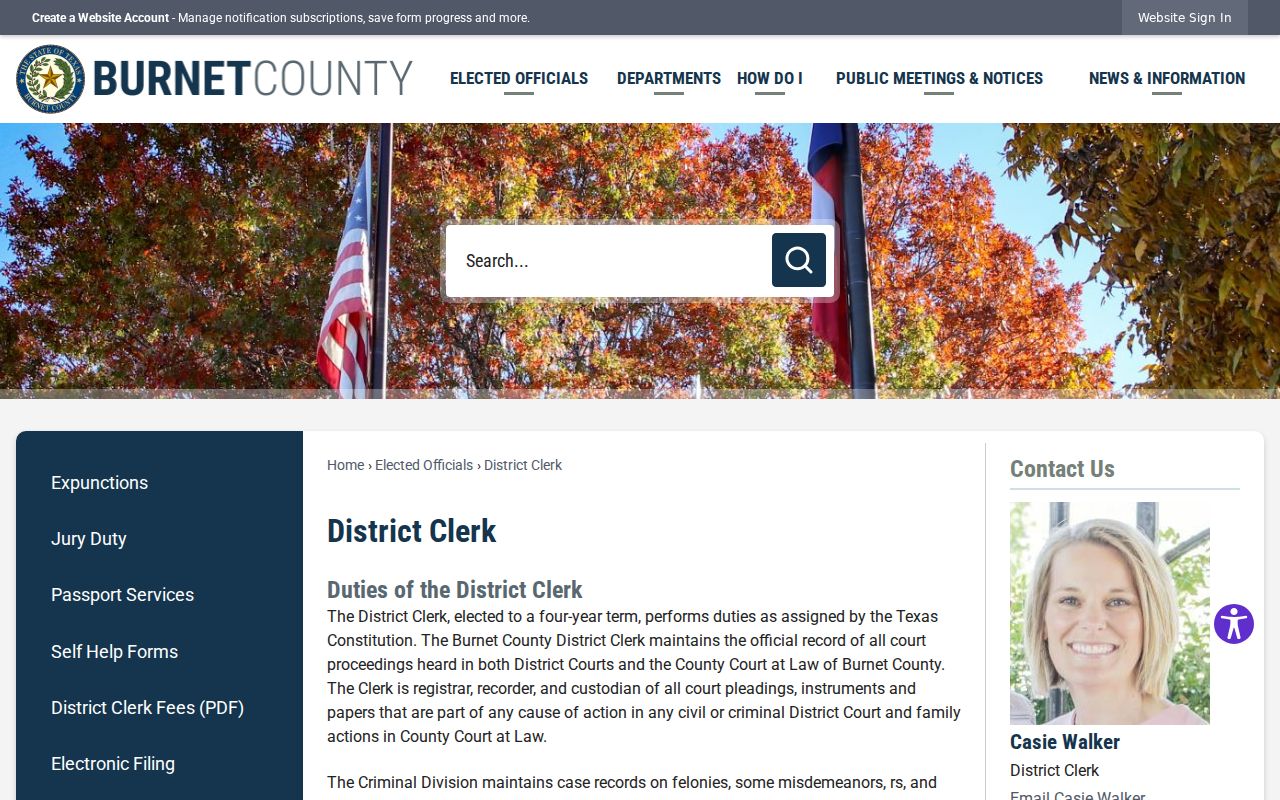
The capture helps identify the right office, but current contact details and fees should still be checked on the linked county page.
The County Clerk serves Commissioners Court, County Court at Law, Probate Court, and the constitutional County Court while also keeping property and vital-record functions. Those other county records are not automatically court files.
The official County Clerk page is also available in the research capture.
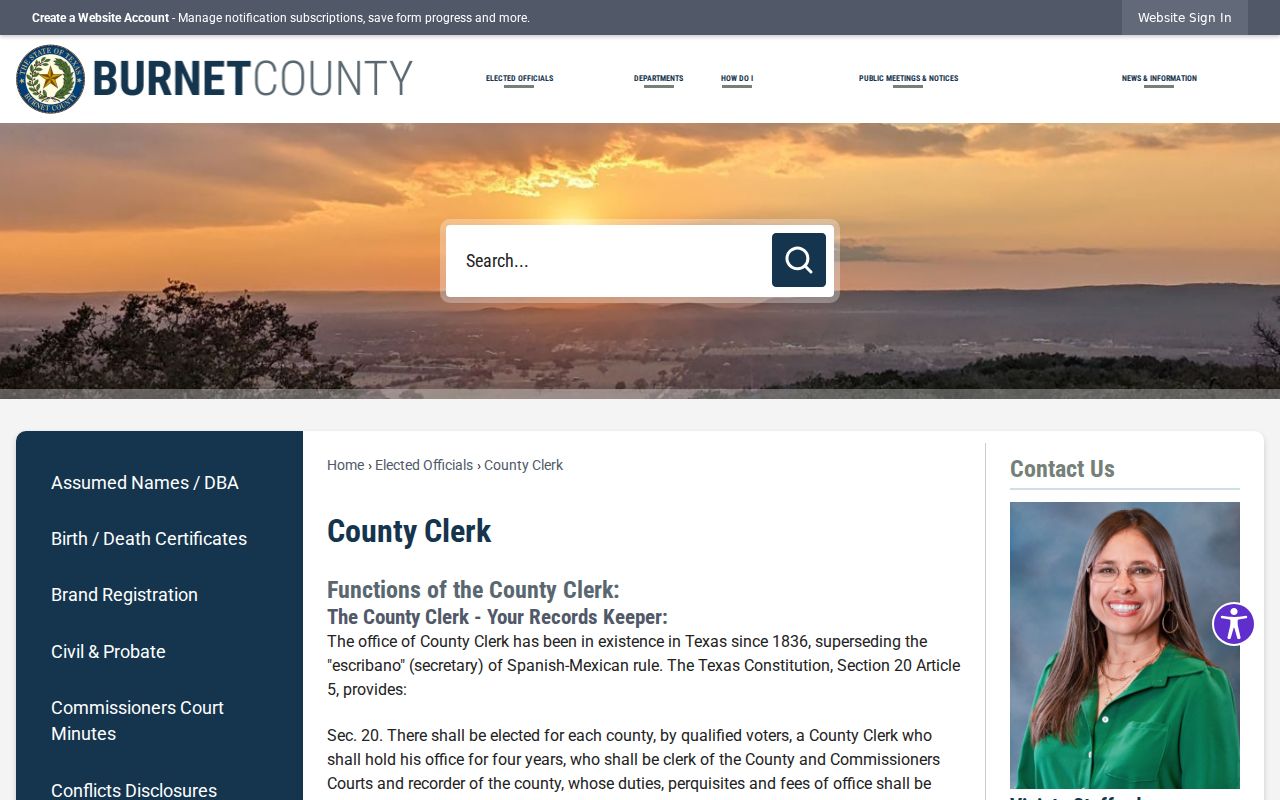
When an unusual case crosses the shorthand descriptions used by local offices, give both clerks the case type and court name and confirm the current assignment.
Types of Court Records
Ask for the item rather than an undefined entire file. A Burnet County court record may be a docket sheet, pleading, motion, notice, order, judgment, abstract, writ, exhibit, appellate record, or public redacted copy. Criminal, civil, family, probate, mental-health, JP, and municipal files are routed by court and case type.
- Docket sheets and chronological event indexes
- Petitions, answers, motions, and notices
- Signed orders, judgments, and abstracts
- Public exhibits and attachments when access allows
- Appellate records, transcripts, or audio through their proper custodian
A transcript is not just a clerk copy. The court reporter keeps the verbatim reporter's record when one exists. Identify the hearing and date, then ask whether the reporter, clerk, or appellate-record process controls.
Burnet County Copy Ladder
An ordinary copy reproduces a public paper. A certified copy adds the clerk's certification. An exemplified copy is a more formal authenticated record listed separately in the District Clerk schedule. State the purpose before ordering because another court or agency may require a specific form.
- Plain copy
- A noncertified reproduction for review or personal use.
- Certified copy
- A reproduction bearing the clerk's certification.
- Exemplified copy
- A formally authenticated copy listed as a distinct service.
- Reporter transcript
- The verbatim record requested through the reporter workflow.
What a Court Record Contains
A Burnet County file can contain a docket history plus the public papers indexed by that history. Labels distinguish when an item was filed, when a hearing was set, when it was heard, and when an order was signed. Those dates should not be merged. The public docket may name a document that is not available as an image.
| Case Number | The court's exact file identifier. |
|---|---|
| Pleadings | Petitions, answers, motions, and other filed papers. |
| Orders & Judgments | Signed rulings and final determinations. |
| Docket Sheet | A chronological index of public case events. |
| Exhibits | Filed evidence or attachments, subject to separate access limits. |
Missing Burnet County Images
If a docket lists an event but no document opens, ask whether the paper has been filed, indexed, scanned, restricted, sealed, or moved to another custodian. eFileTexas sends submissions, but a filing receipt does not make an image public. re:SearchTX may display eligible documents for integrated courts. Odyssey's post-login document functions were not verified during research.
Request a public redacted version when one exists. Preserve the clerk's response and ask what fee and format apply. A screenshot is neither a complete file nor certification, and portal data can be corrected after it is viewed.
Certified Copies and Fees
The District Clerk fee schedule, effective January 1, 2025, lists the charges below. They belong to that office and date. The County Clerk, a JP, or a city court may use a different schedule. Confirm the current total before paying.
| Item | Amount |
|---|---|
| Paper copy | $1 per page |
| Email noncertified copy | $0.10 per page |
| Certification | $5 additional |
| Exemplification | $5 |
| Record search | $5 per name |
Burnet County District Clerk
1701 E. Polk St., Suite 90
Burnet, TX 78611
512-756-5450
Burnet County Transcript Path
Clerks maintain filed papers and docket records, while a court reporter maintains a verbatim reporter's record when one was made. The County Court at Law page identifies reporter Debra McGrew, and district directories supply reporter contacts for district proceedings. Give the hearing date, court, case number, and portion needed.
Ask who quotes the cost and whether an appellate process is already underway. An audio file, remote-hearing recording, clerk record, and reporter transcript are different products. None should be promised merely because a docket shows that a hearing occurred.
Public Access and Sealed Records
Public access is document-specific. Texas Rule of Civil Procedure 76A governs sealing civil court records and requires a judicial process. Rule 21c addresses sensitive-data redaction. Family Code Chapter 58 restricts juvenile records, while expunction and nondisclosure laws can limit criminal-record access. A public event can remain visible even when the underlying document or protected address does not.
Ask the Burnet County custodian whether a public redacted version can be inspected when the full paper is withheld. Protective-order records may omit an address, county, telephone number, workplace, school, or child-care location under Texas Family Code section 85.007. A sealed civil filing is not deleted, and a docket can still show the motion, hearing, findings, or sealing order allowed by Rule 76A. Juvenile access depends on the requester's statutory role, not merely on whether a calendar label is visible. Expunction, nondisclosure, and deferred adjudication also describe different legal states. The clerk should identify the rule, statute, or order that controls access rather than asking a requester to infer it from a blank portal result.
Burnet County's local expunction instructions show why a narrow records question matters. The District Clerk page identifies a network of possible notice recipients that can include local courts, clerk offices, law enforcement, prosecutors, community supervision, the Texas Department of Public Safety, the Office of Court Administration, and the Texas Department of Criminal Justice. The office also states that it cannot decide eligibility or provide legal advice. A request for an existing public order is therefore different from a petition seeking to change record access. Ask for the order or public docket entry by cause number, and use the statutory process and current clerk instructions for any relief.
Fees also depend on the custodian and service. The District Clerk schedule effective January 1, 2025 lists an eight-dollar abstract entry, while a Burnet Justice Court civil procedure page states five dollars for an abstract of judgment in its own context. Neither amount should be carried into a County Clerk, municipal, or unrelated Justice Court request. Quote the source, effective date, and office when discussing a charge. Then confirm the amount before mailing funds. The same care applies to the expunction page's local notice charge and the broader filing categories in the District Clerk schedule, which describe different steps and should not be added together without clerk guidance.
For a mailed Burnet County request, include a return address, daytime contact, court name, exact cause number, document title, filing or hearing date, and the copy type sought. Ask whether prepayment, identification, or a self-addressed envelope is required before sending it. For an email request, keep sensitive personal data out of the subject line and attach only what the clerk requests. At the counter, bring the notice or case number and ask to inspect the public file before ordering pages. These channels all lead back to the official custodian, who can distinguish a public index from a certified court record.
Key Rules:
Texas Rule of Judicial Administration 12 governs access requests for judicial administrative records.
Texas Rules of Civil Procedure 76A and 21c address civil sealing and sensitive-data redaction.
Texas Family Code Chapter 58 limits inspection and copying of juvenile records.
Burnet County Request Escalation
When a clerk says a record is unavailable, ask whether it is unfiled, not indexed, not scanned, restricted, sealed, expunged, or held elsewhere. Then ask whether a public redacted version exists. If the item is a judicial administrative record, send a focused written request to the Rule 12 custodian. A denial identifies the claimed exemption and can carry an appeal path.
The Texas Public Information Act, Government Code Chapter 552, may govern qualifying executive county records, but it is not the default doorway for a court case file. Narrow wording saves time: specify the record, date, court, format, and certification level rather than asking for every item associated with a name.